YOUR MEMBER TOOLKIT
Download and share these graphics to show your participation, post your daily art, and invite others into the movement. These are yours — use them freely.
Pro tip: Upload any graphic to Canva, Photopea, or your favorite editor to customize text, add your handle, or overlay your artwork.
Participation Announcements
Tell your audience you're doing #NAAM2026 — choose your style, pick your size
Member Prompt Template
Upload to Canva or your editor, overlay your art, and fill in the day + prompt
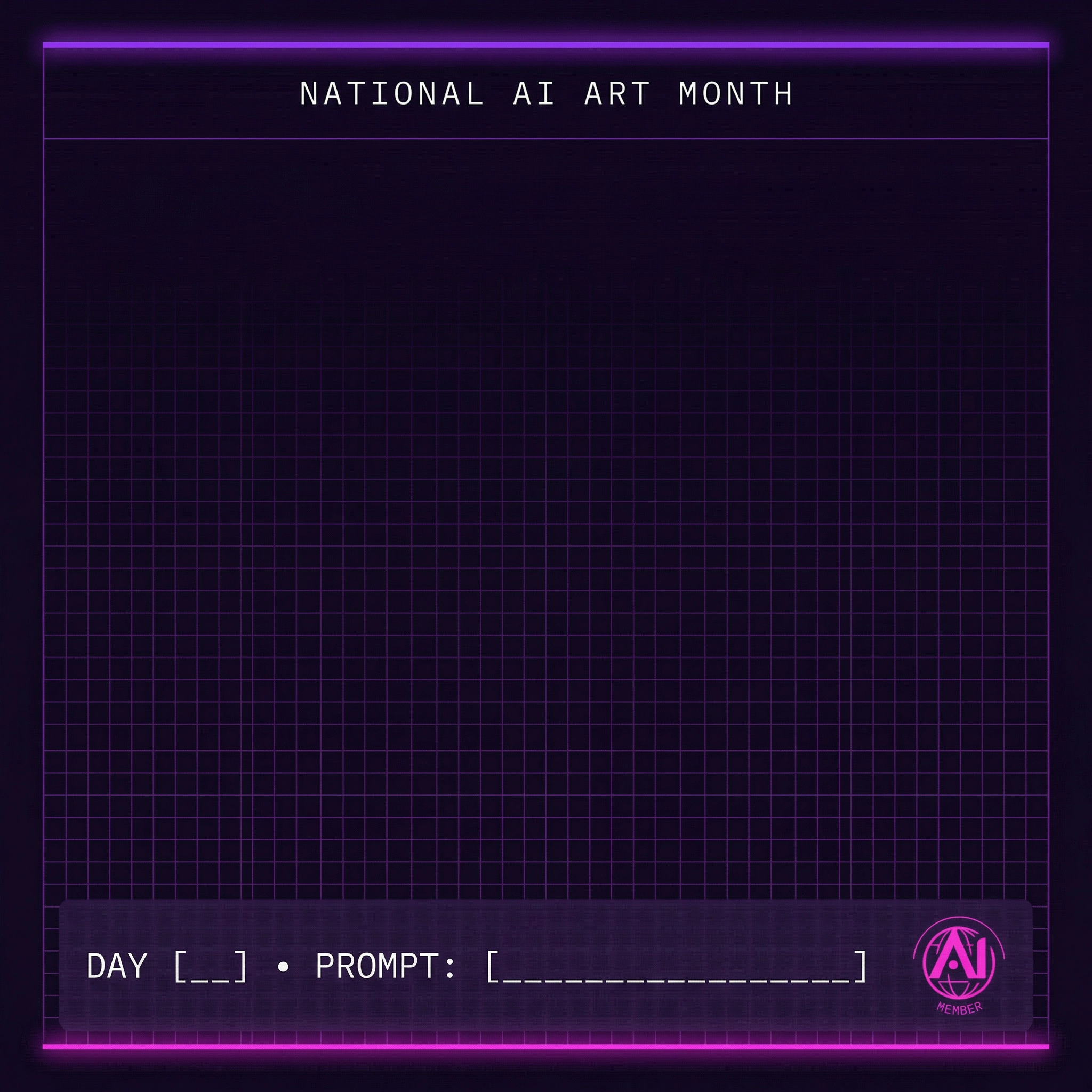
Member Prompt Template
Upload this to Canva or your favorite editor, overlay your art in the center, and fill in the day number and prompt text.
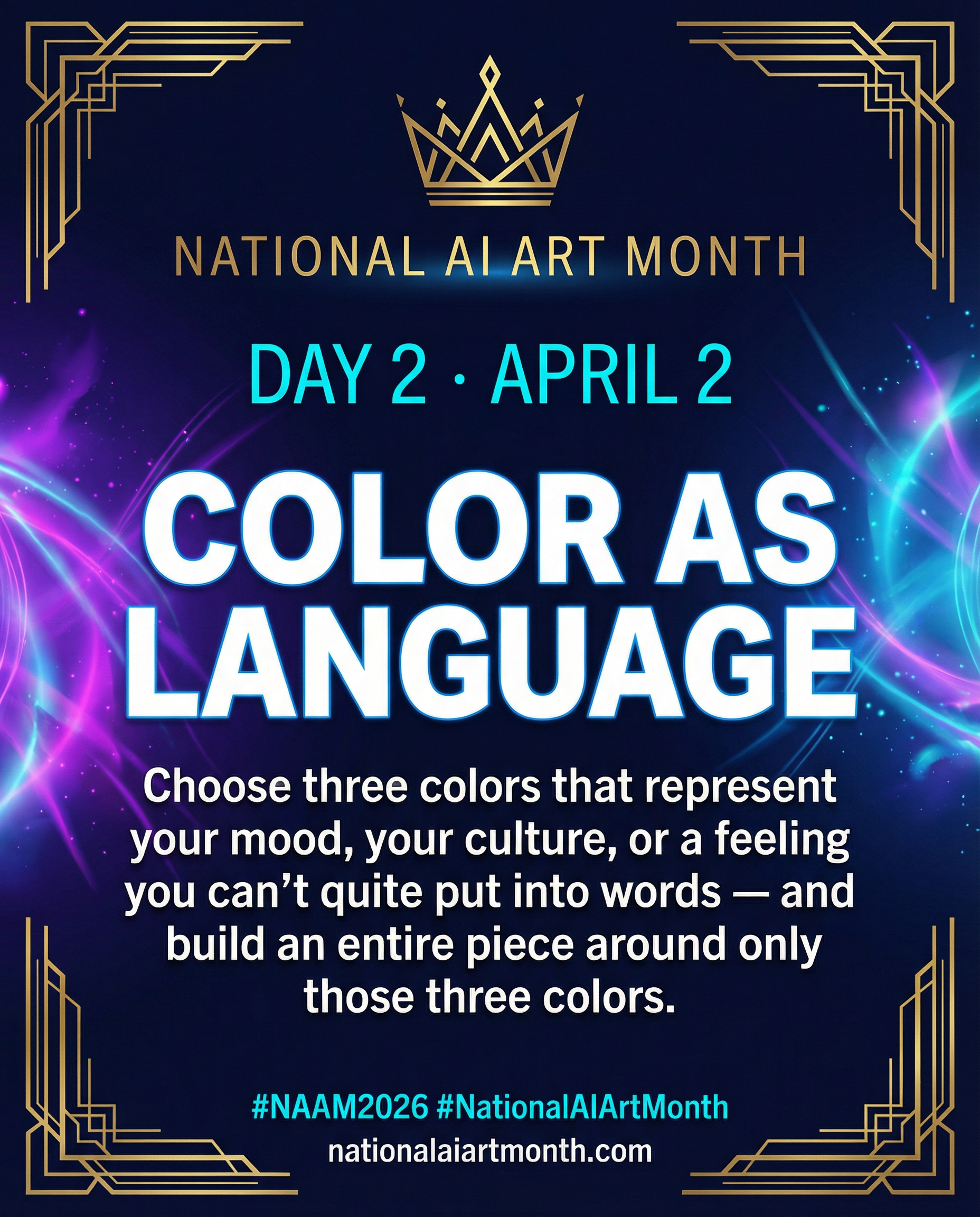
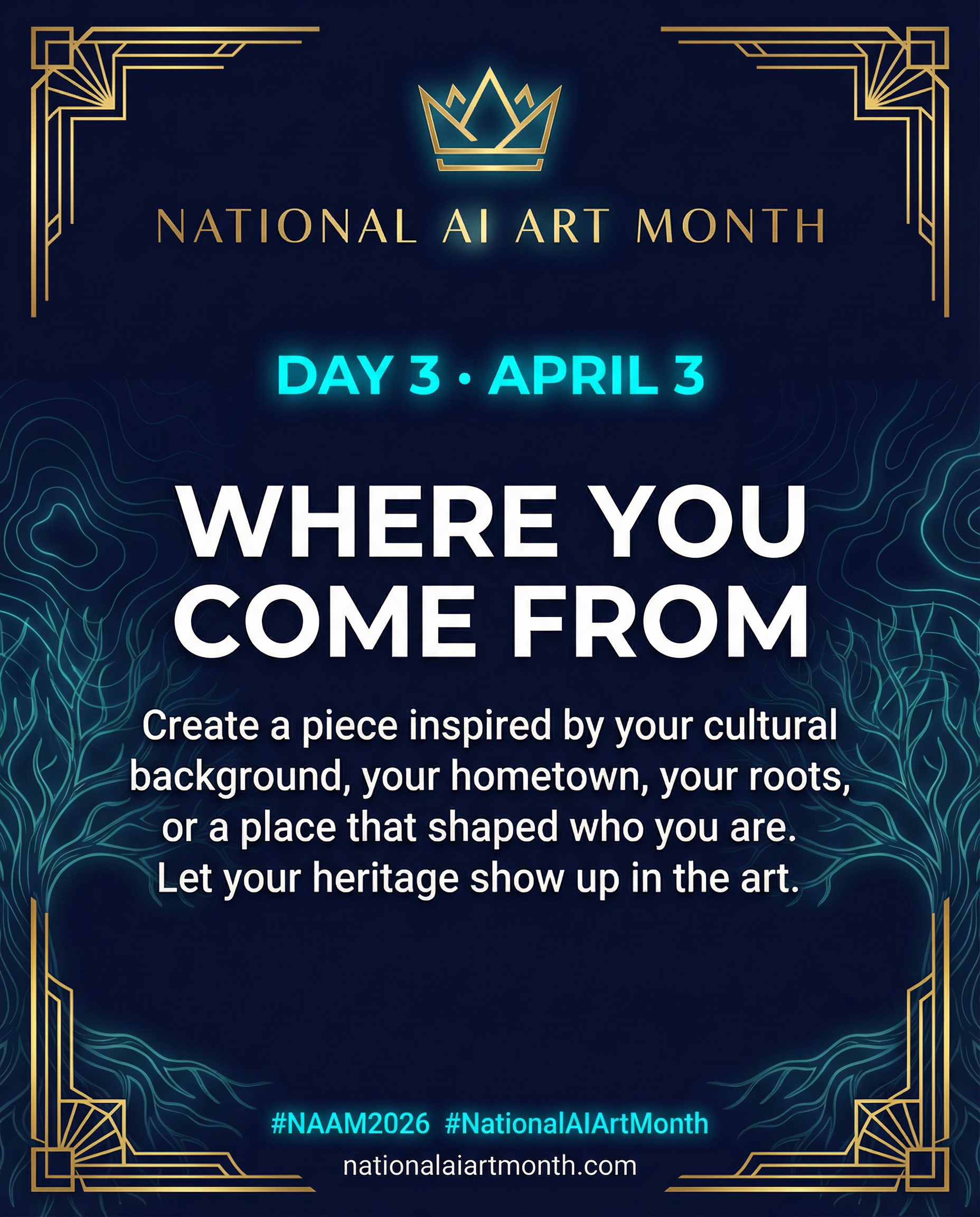
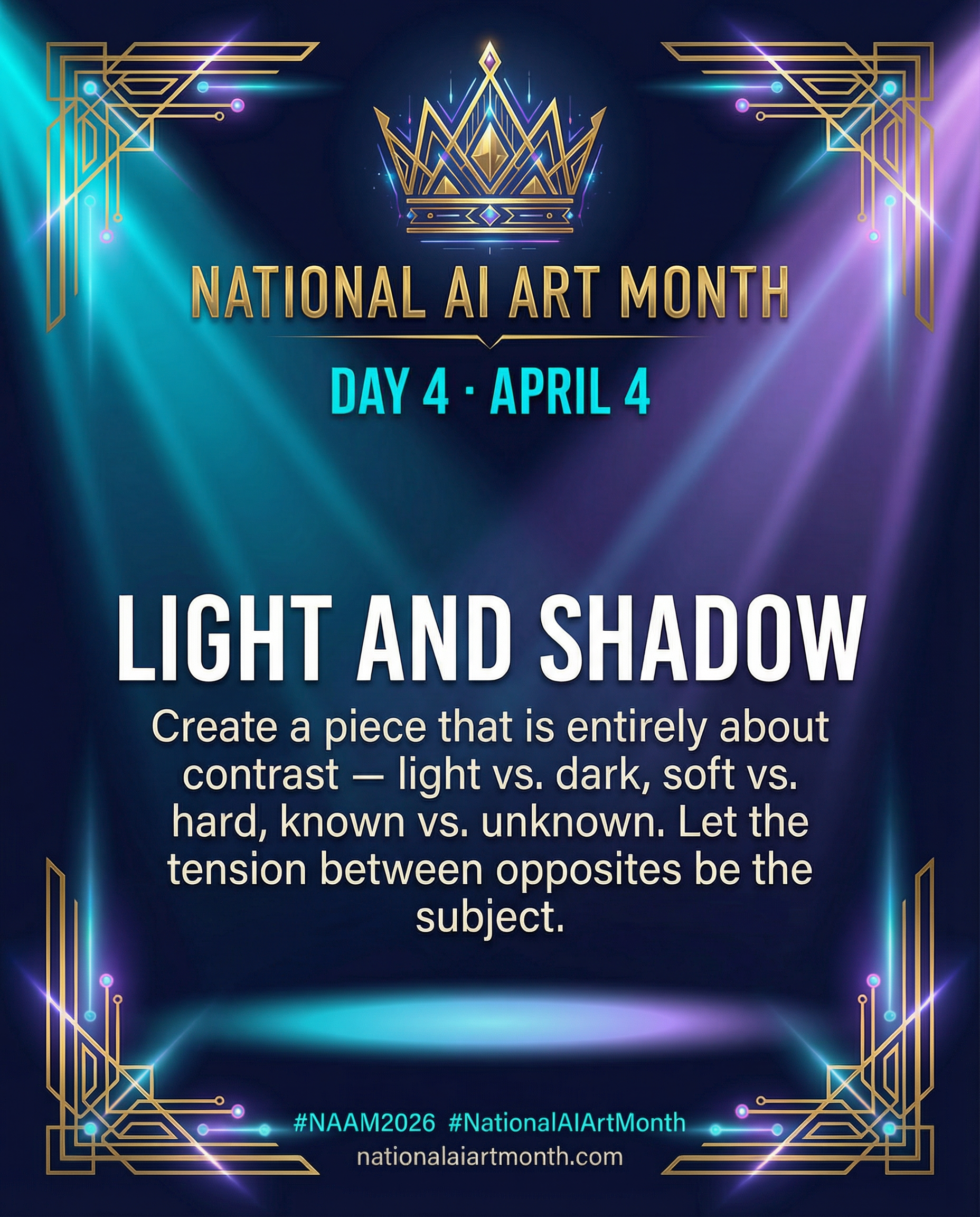
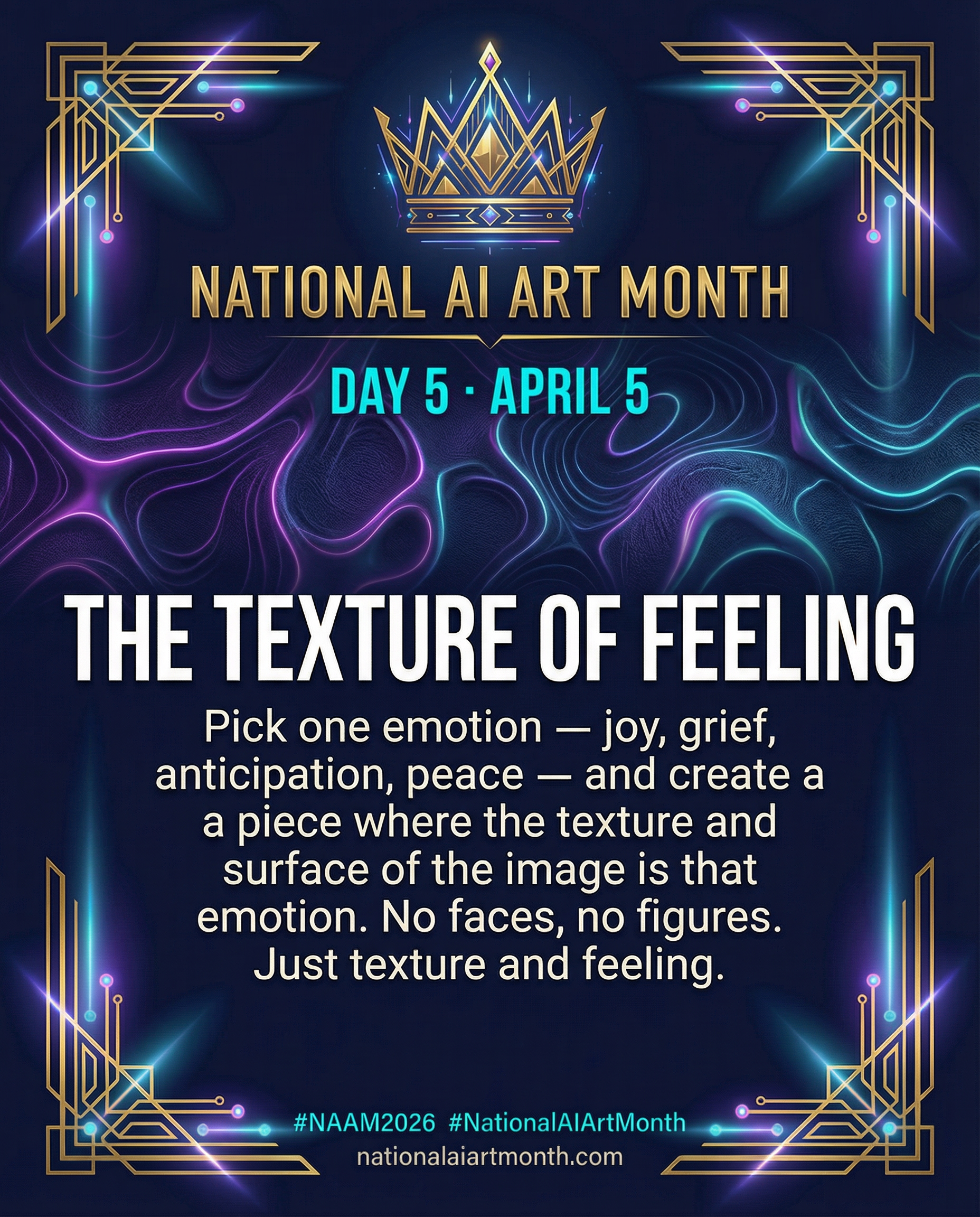
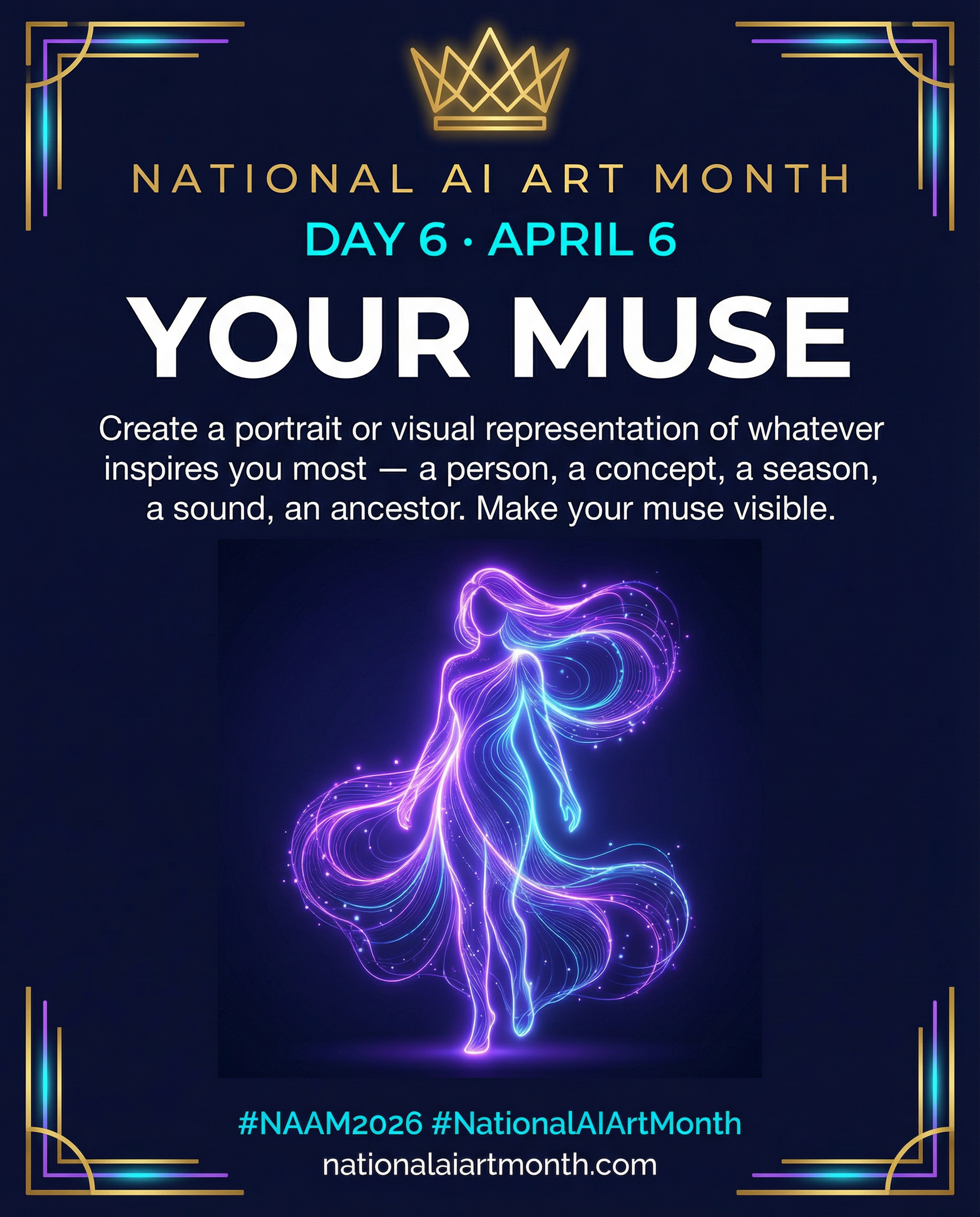
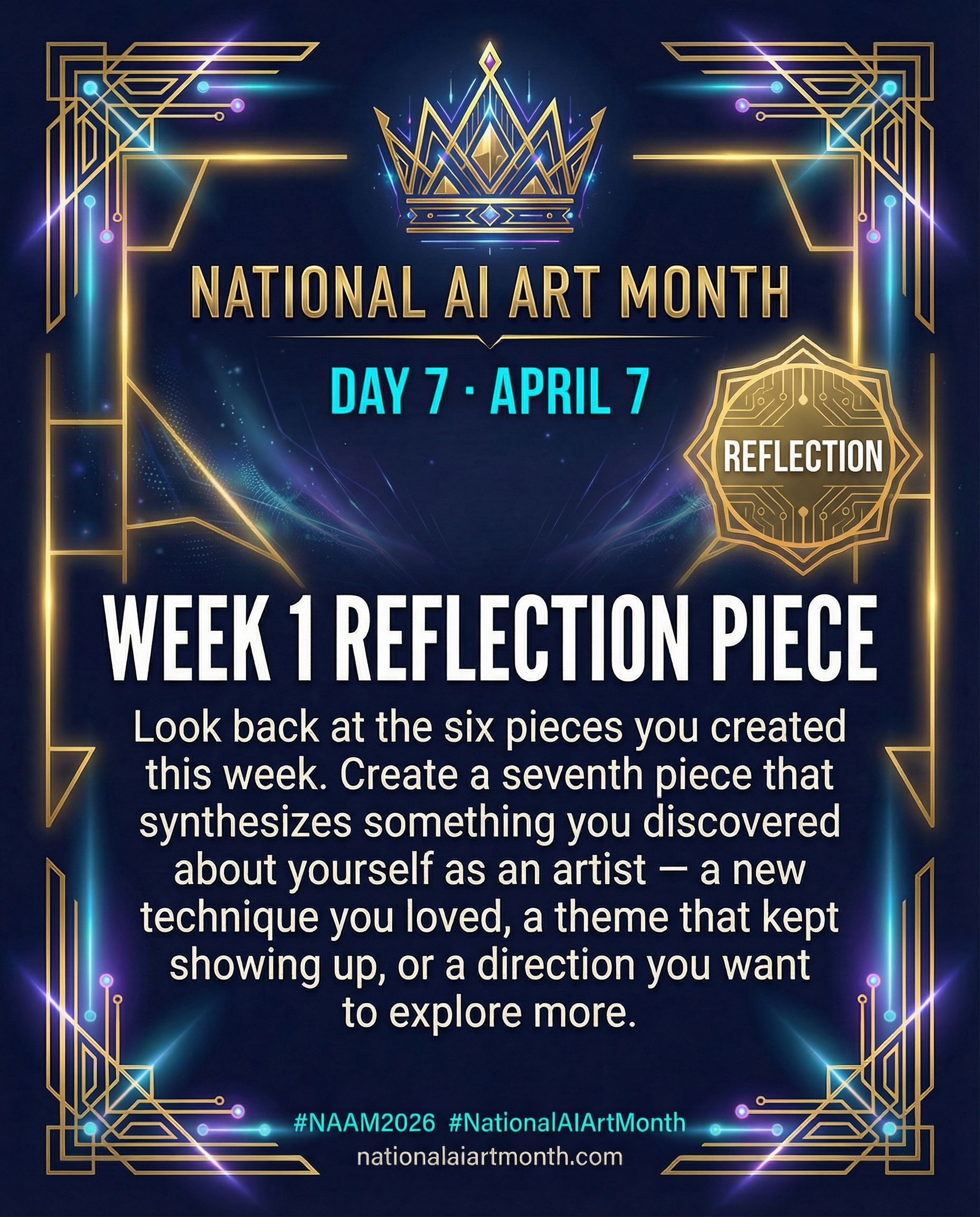
Download TemplateThis Week's Daily Prompt Cards
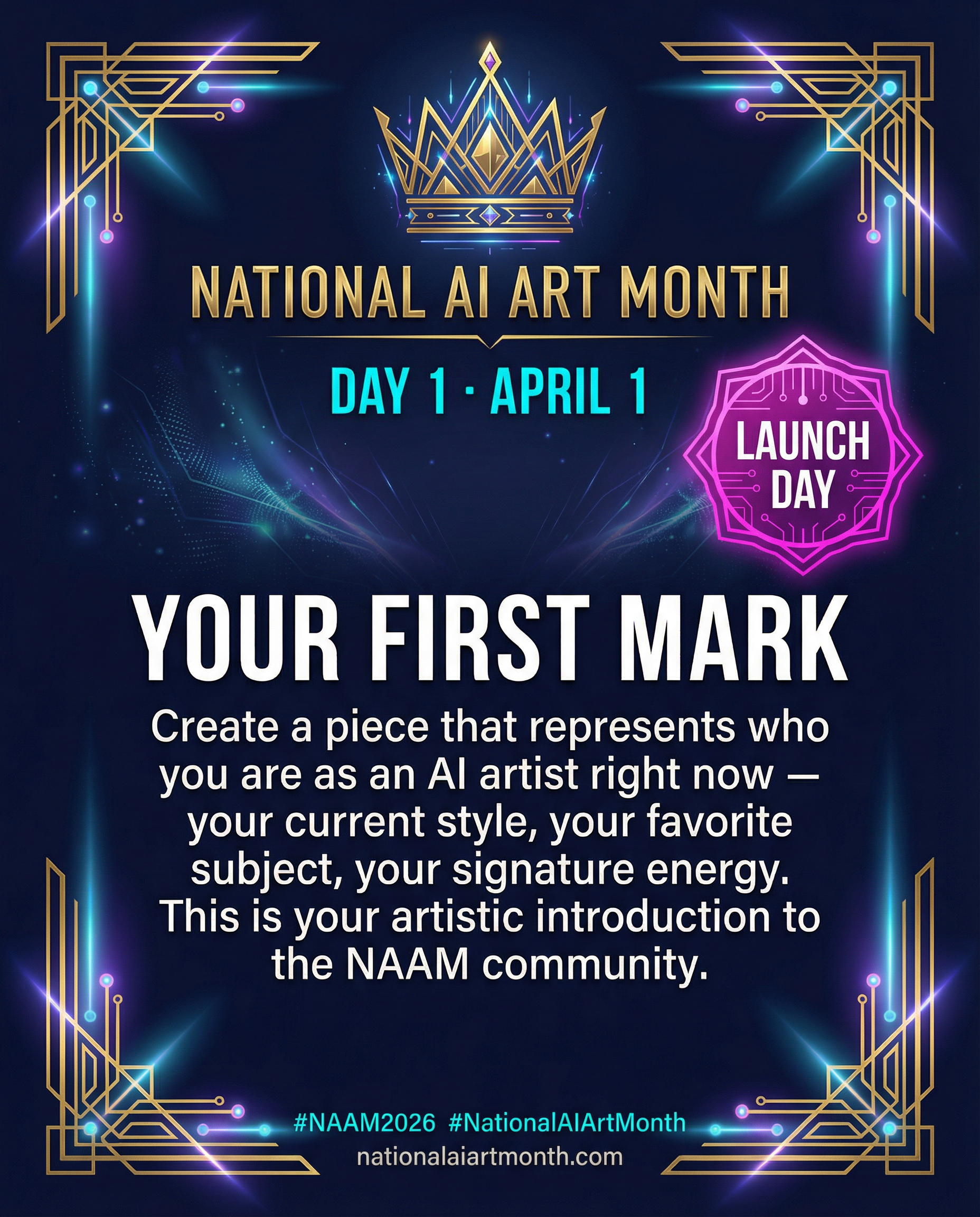
Post these alongside your art each day — updated weekly
Week 1 — Foundation (April 1–7). New prompt cards are added each Monday.
Branded Share Cards
Post these anytime — no caption needed, the graphic does the talking
HOW TO USE THESE GRAPHICS
Use the 1:1 Square graphics. Post in the NAAM group and on your personal profile. Tag #NAAM2026 in every post.
Use the 4:5 graphics for feed posts. Use 9:16 for Stories and Reels covers. Always tag #NationalAIArtMonth.
TikTok / Reels
Use the 9:16 Reels graphics as your video cover or overlay. Post your process or finished art and use the graphic as a thumbnail.